Archive for the ‘Keine Kategorie’ Category

Unity from the Command Line in Linux

I go through a LOT of unity projects. It would be *so* cool to automate the first open, so that I don’t have to import all projects into UnityHub and wait for the build process. With some automation I could let my computer build 90 Unity projects and once it’s done, I could start taking a look.

For that, we can use the command line!

$ /home/myname/Unity/Hub/Editor/6000.2.7f2/Editor/Unity \
   -projectpath /some/path/somewhere
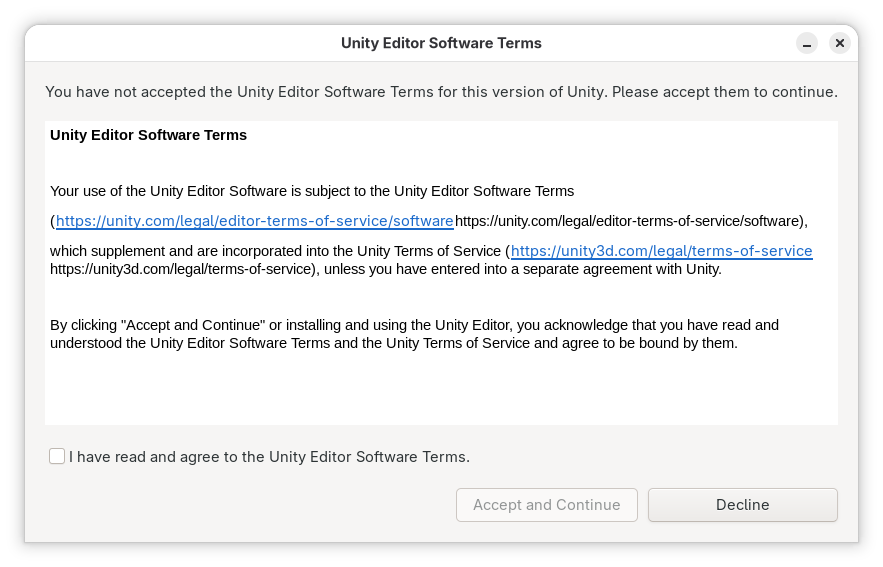
Except, apparently, we can’t?

This message pops up and cannot be interacted with.

Read the rest of this entry »
Pocket to Wallabag, Hardcore Edition

⚠️ Note: once the Pocket CSV import is merged, this entry might be obsolete. This is about the import from the Pocket API.

I’ve been using Pocket since 2009, back when it was still called “Read it Later”. I use it a whole freakin’ lot. Yes, I usually self-host my things, yes I know about wallabag and a couple other similar things. Pocket never gave me any trouble, for a while I even paid for it. It worked and got out of my way. It was, essentially, exactly what I needed.

Pocket is being shut down in a couple of weeks.

And I have 32.000 entries in there that I would like to keep.

Read the rest of this entry »

tcpdump docker traffic

Tiny howto, so don’t need to look this up as often. In order to tcpdump your own docker traffic, you will need to identify the appropriate interface first:

# docker network ls
NETWORK ID      NAME                      DRIVER              SCOPE
15a300de        bridge                    bridge              local
88d8d7d1        nextcloud_default         bridge              local

From that, we get the network ID. This will be included (at least partly) in the interface name, so we’ll just take the first few characters and grep:

# ip addr | grep 88d8b
9: br-88d8d7d1: <BROADCAST,MULTICAST,UP,LOWER_UP> mtu 1500 qdisc noqueue state UP group default

this gives us the full interface name (ok, basically this is just “br-” followed by the network ID).

We can then just use tcpdump any way we like:

tcpdump -i br-88d8d7d1

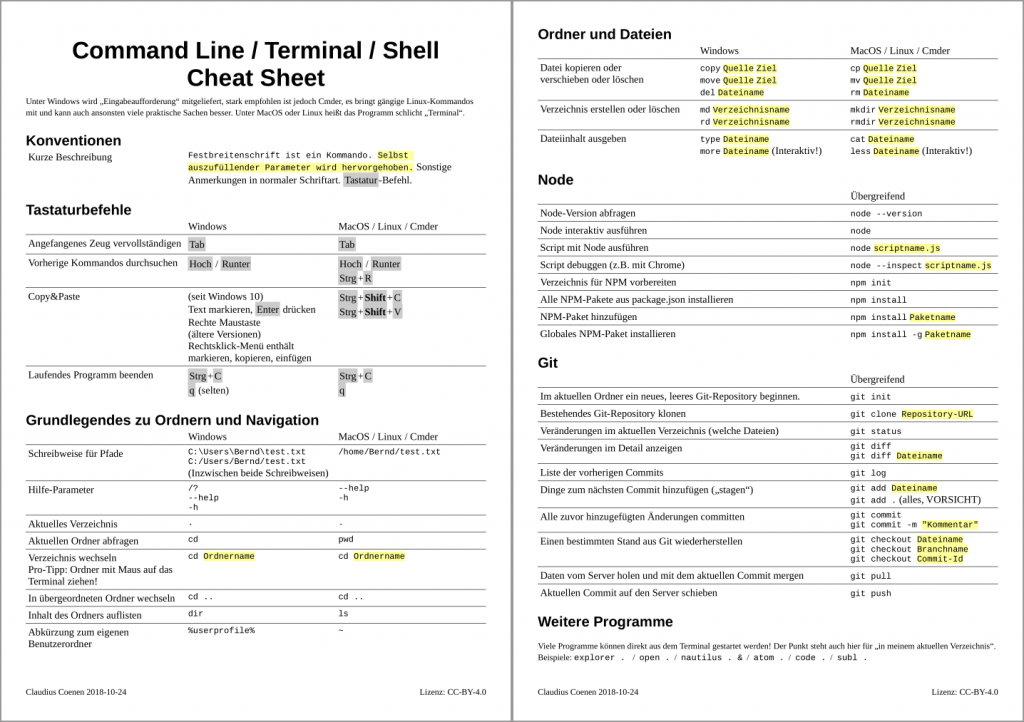
Windows/MacOS/Linux Cheatsheet

Für Terminal-Einsteiger. Mit Terminal-Grundlagen, Node.JS und Git.

Cheatsheet CLI as PDF


Retracing a project’s state with git

Imagine, you’re coming back to a project that has advanced by two months with various people coming and going. And it’s your job to figure it all out. Git has your back! Here’s how.

Read the rest of this entry »


Author

Claudius Coenen is a tech-enthusiast. He's writing on all kinds of topics, including programming, technology, gadgets and media.

This site features his occasional articles, findings, documentations.

Categories

Connect

RSS Recent Bookmarks

Legal